Watch this quick video guide to configure your PC settings and avoid common injection errors. Once completed, scroll down to follow the step-by-step installation instructions
Video Guide:
!
- The project is external. - The game must be then in window borderless mode and no extra monitors used (It will display to monitor 1). - The abuse of aimbots could lead to reports and bans. Beware.
- Note: This project uses Nvidia overlay or AMD overlay. You must have them enabled, example by installing Gforce overlay or AMD studio depending on your device graphic card. The project will notify you if an overlay is not enabled
DO NOT USE THE INTEGRATED SPOOFER. USE AT OWN RISK!
1
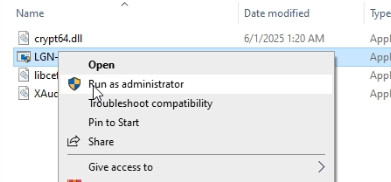
Run Ares loader as an administrator
2
A new window should open. Here paste your serial key, finally press ENTER. (Use Right Mouse button to copy and paste serial key. Ctrl+V does not work for this loader)
3
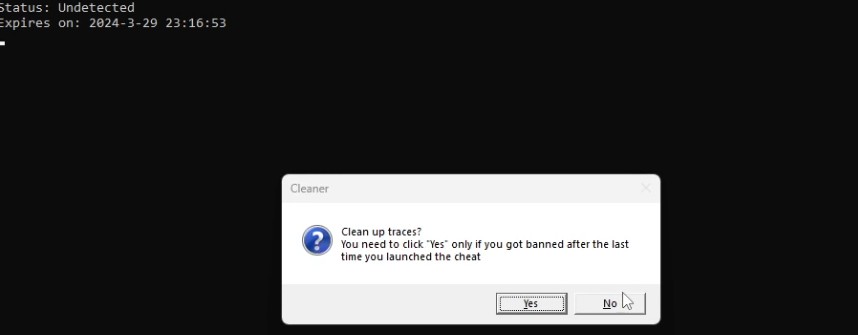
A confirmation window should be visible after this step. Cleaner and spoofer.
You are free to use these spoofer and cleaner if you desire, however we DO NOT support these free options and they could not be updated. USE AT OWN RISK !
4
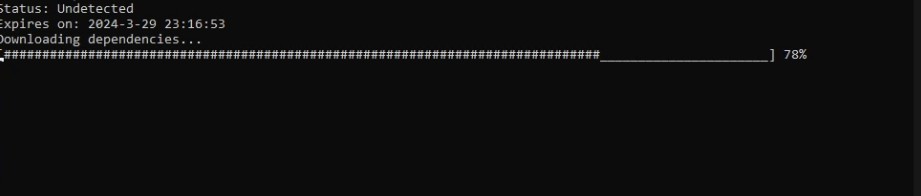
Another window is shown, "Downloading files". Do not close this window. Once it self closes, proceed to the next step.
NOTE: 2 bars must be completed at the CMD. If by any reason the load self closed and not completed, retry. If it persists, restart the deevice and retry-
5
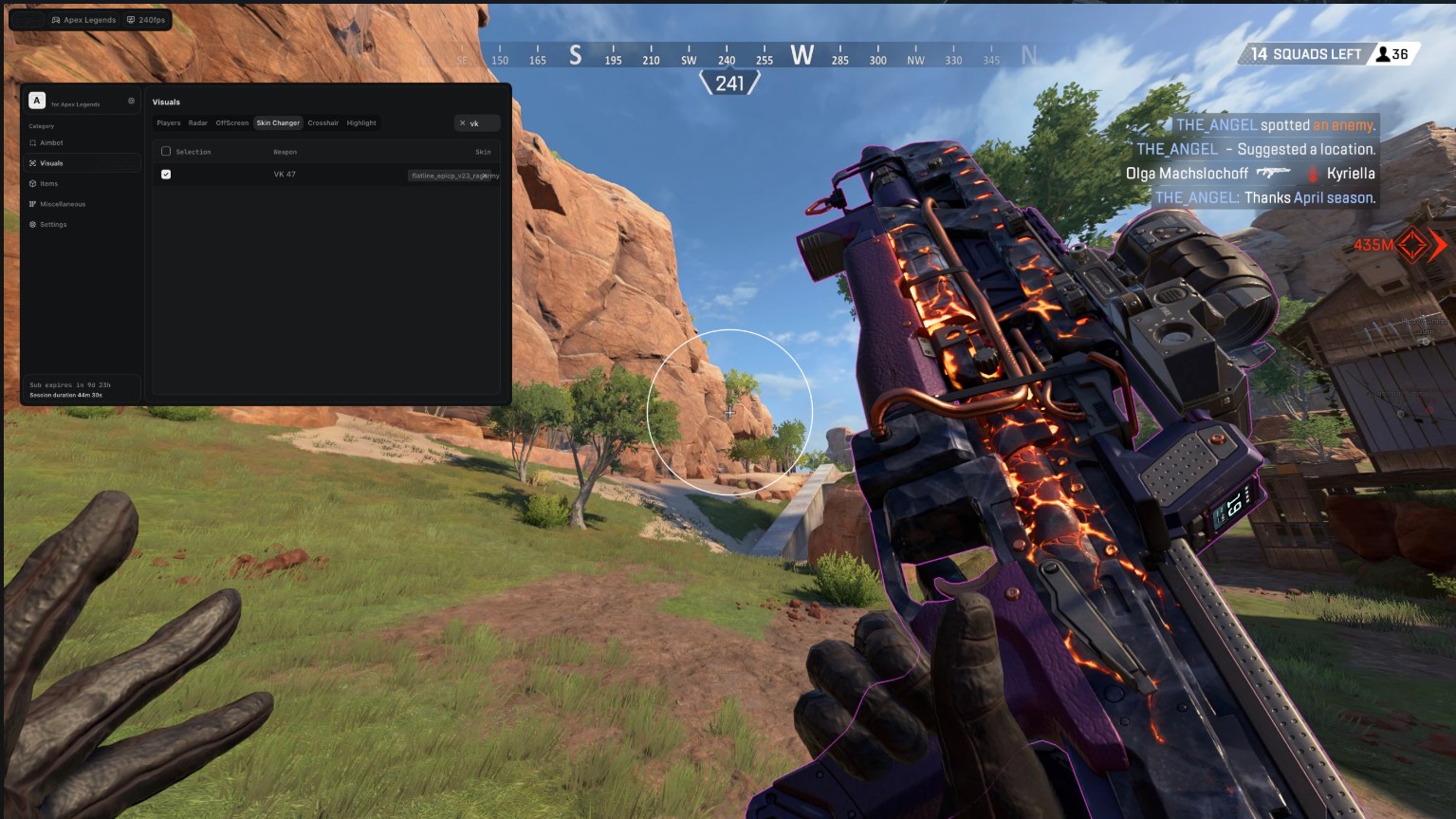
Open Apex Legends in WINDOW BORDERLESS MODE and once you reach the ingame (Where the character is visible) the menu should be visible.
6
Use the button HOME from your keyboard to open/close it. Operate with the options by clicking at the options to enable/disable them.
Frequently Asked Questions
Why I can't play the game in Fullscreen mode?
This cheat operates as an external application, which requires the game to be run in Borderless or Windowed mode to function properly.
What game resolution should I use?
Please set your in-game display settings to Borderless mode and your screen resolution to 1920×1080 before proceeding.
Having trouble downloading, loading, or running the loader? How do I fix it?
This means your internet connection is unable to reach our authentication server. You can easily resolve this by using a VPN or Cloudflare WARP 1.1.1.1, then try again. (Cloudflare WARP 1.1.1.1 is recommended)
Having an error or experiencing trouble using the cheat? How do I fix it?
Most issues can be fixed by following the video and initial setup steps above. If you're still having trouble, feel free to contact us using the live chat button at the bottom right of your screen.