Watch this quick video guide to configure your PC settings and avoid common injection errors. Once completed, scroll down to follow the step-by-step installation instructions
Video Guide:
Initial Setup!
Required System Configuration
- This project operates as an external application. - The abuse of aim bot feature can lead to manual reports and bans, please be aware.
- Remove your Windows login password or PIN to prevent unexpected issues - Hyper-V must be disabled - Virtualization must be enabled
This game now is using Discord or Medal overlay.
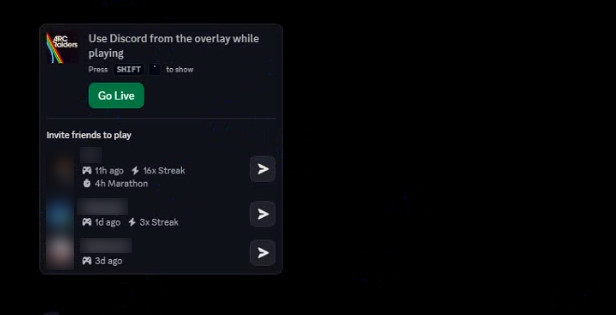
First option — Discord overlay: (Recommended) 1. Ensure the Discord app is downloaded and you are signed into your account. 2. Navigate to Discord settings, search for Enable Overlay, and turn it on. 3. In Discord settings, search for Enable Hardware Acceleration, and turn it on.
Second option — Medal TV: (Alternative if Discord cannot be used) 1. Download Medal from the official website 2. Launch the program and register or log into your account. 3. Go to settings and verify that the overlay is enabled (enabled by default).
⚠️Note: Use only one overlay (either Discord or Medal) do not use both at the same time.
STEP 1
Download the Loader
Navigate to the Download link and download only the second file, named weacT9Kkbx.com
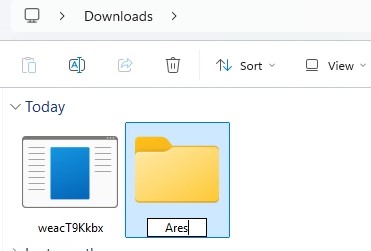
Go to your download location, create a new folder (name it as you wish, for example, Ares), move the downloaded file inside it, and run it from that folder so all related created files are saved alongside the loader.
STEP 2
Loader Update and Key Activation
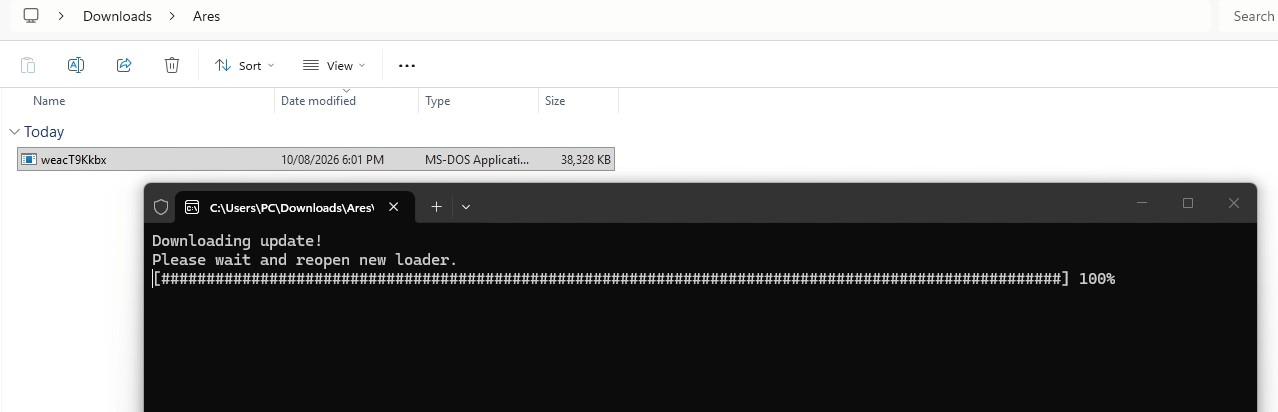
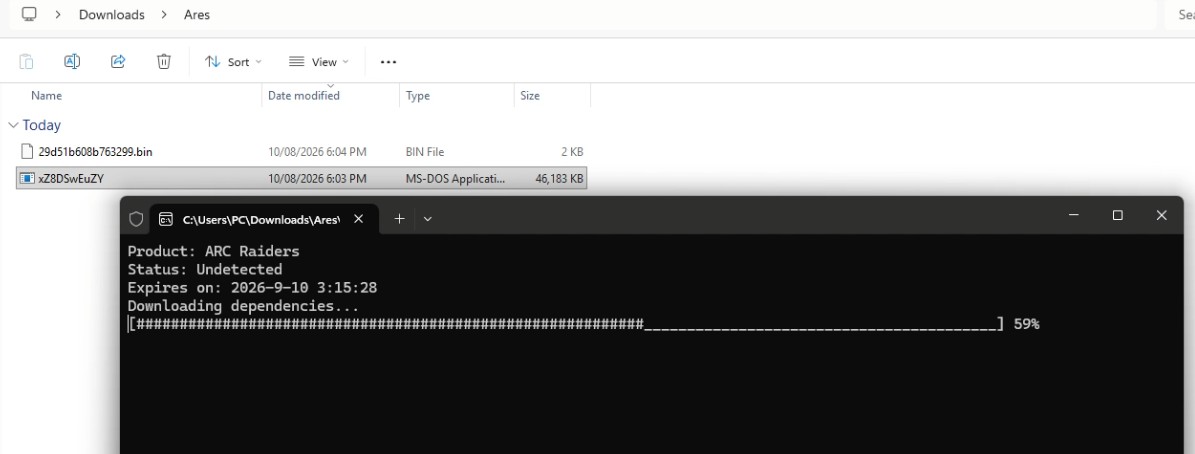
Double-click the loader to run it, A new command window will open, indicating that a new update is being downloaded. this process will create a new, updated version of the loader
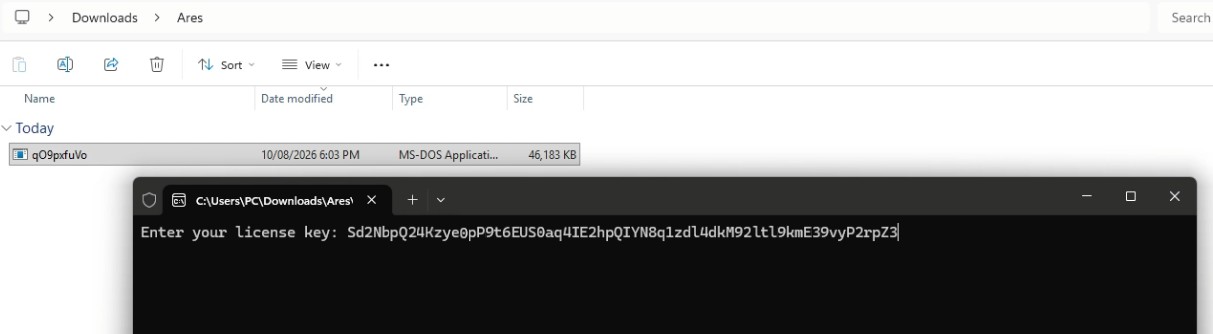
Run the new loader, copy your key, and paste it in by right-clicking and pressing Enter.
Once your key is activated, the loader will display the hack name, hack status and expiration date. and will start downloading the hack files
STEP 3
Preparation for injection
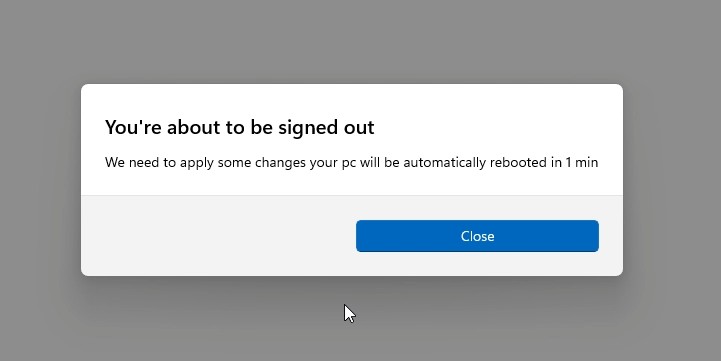
The first time you run the loader, it may restart your pc to prepare your system to use this software correctly.
Simply restart your PC. Once you are back on the desktop, run the hack again, this time, the loader will begin downloading dependencies, assets, and data. Once all required files finish downloading, the loader will close automactically.
⚠️Note: while downloading dependencies, if you receive an error stating " Please make sure Pin is not set in windows sign-in options and manually disable hyper-v using dgreadiness tool" ensure you have removed your Pin/password and turned off Hyper-V using the dgreadiness tool *which can be downloaded via google)
STEP 4
Launching the Game and in-Game Control
After the loader closes, launch your game. During the loading screen, ensure the Discord overlay appears in the top-left corner (this is important).
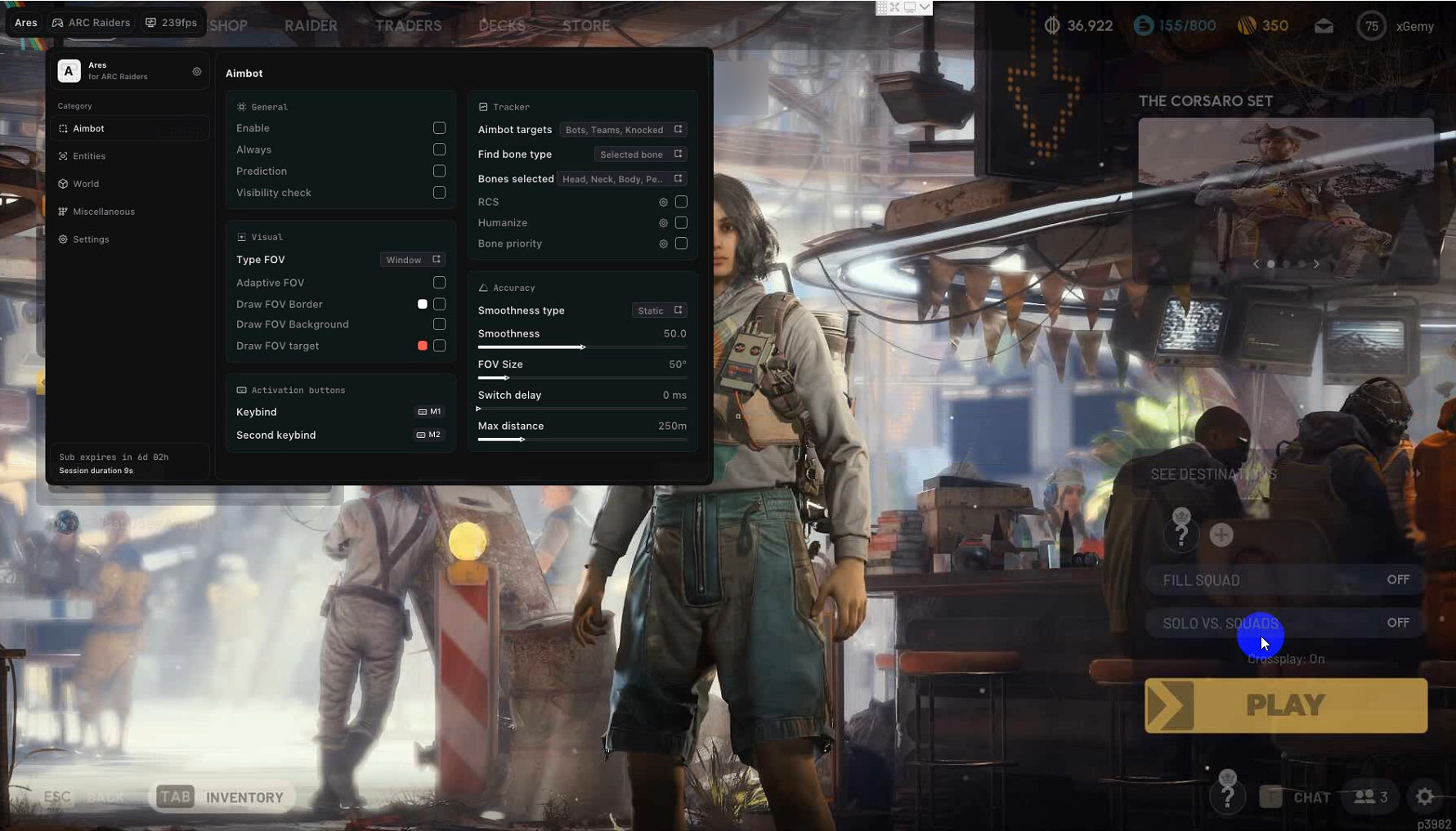
After entering the lobby, do not switch to another window until the menu appears. The menu will show up automatically (if it doesn't appear immediately, give it some time).
- Ensure your game is set to windowed or borderless mode. - Press the 'Home' key to show or hide the menu. - Press the 'End' key to unload the software. - To fully close and unload , restart your PC.
Frequently Asked Questions
Why I can't play the game in Fullscreen mode?
Gamepron works as an external cheat, meaning that you must run the game in Borderless mode.
What game resolution should I use?
For this Testing we will be running the game in Borderless mode and 1920×1080 resolution.
The cheat is not loading. How do I fix it?
When you open the loader, a small message will be shown, if you close this window, nothing else will work. This window must remain open for few seconds. Also, if you disable the crosshair/esp options given next, the cheat will be disabled ingame.
I am getting "failed to loader the driver" error. How do I fix it?
Please read and follow this article before using any cheat!