Please make sure that your Antivirus (external or Windows Defender), as well as your Firewall, are all disabled before using the cheat.
Follow this video-guide to know HOW TO
!
Download the loader and transfer it to a USB drive. (mandatory)
NOTE: Loader forces exFAT/FAT and auto ejects on successful injection (make sure to physicaly remove after that as well)
1
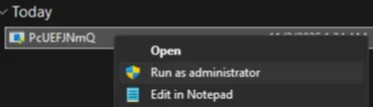
Run the loader as an administrator
2
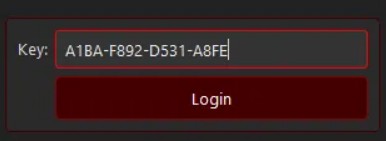
Paste the key that you received from the shop, and click Login
3
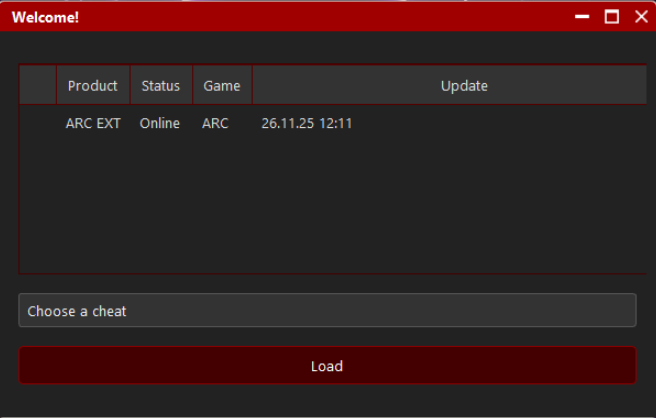
Select Arc cheat and click Load
4
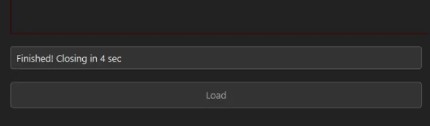
Wait until it shows message “Finishing! Closing in …”, once loader closes, Open the Game.
5
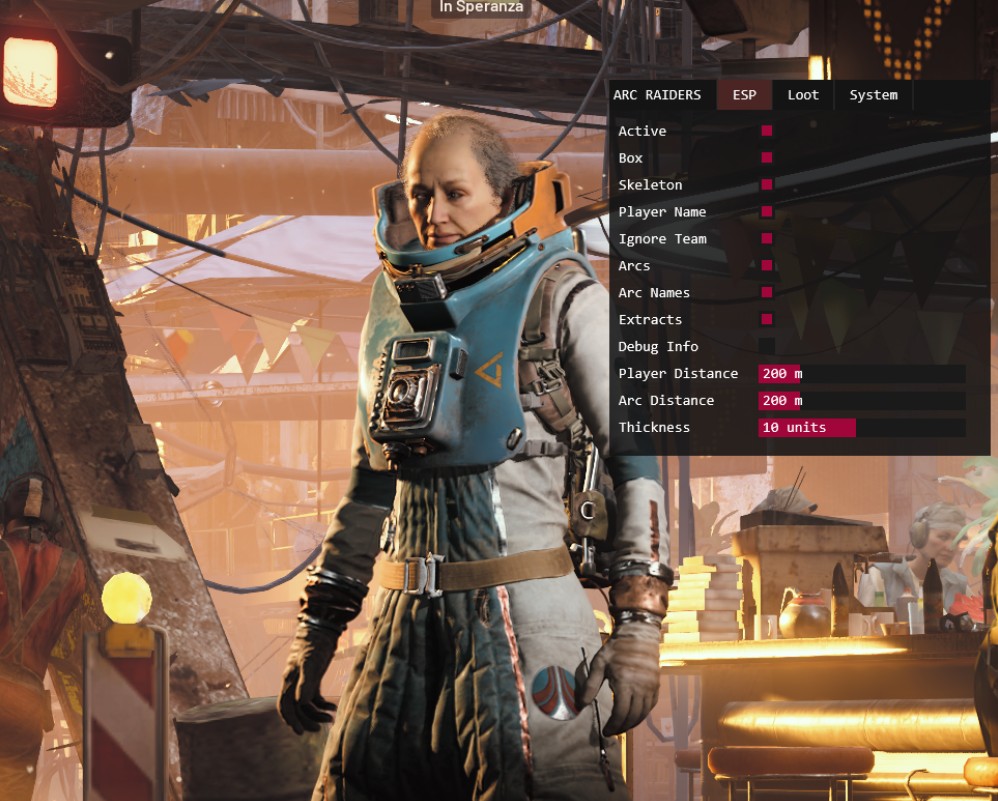
Once you are in the game lobby you should be able to see the menu on the left side of your screen. Use "Insert" button to show/hide the menu and click with your mouse to enable/disable the options.
Frequently Asked Questions
Why I can't play the game in Fullscreen mode?
Gamepron works as an external cheat, meaning that you must run the game in Borderless mode.
What game resolution should I use?
For this Testing we will be running the game in Borderless mode and 1920×1080 resolution.
The cheat is not loading. How do I fix it?
When you open the loader, a small message will be shown, if you close this window, nothing else will work. This window must remain open for few seconds. Also, if you disable the crosshair/esp options given next, the cheat will be disabled ingame.
Getting "failed to loader the driver". How do I fix it?
Please read and follow this article before using any cheat!