Please make sure that your Antivirus (external or Windows Defender), as well as your Firewall, are all disabled before using the cheat.
Follow this video-guide to know HOW TO
Before using!
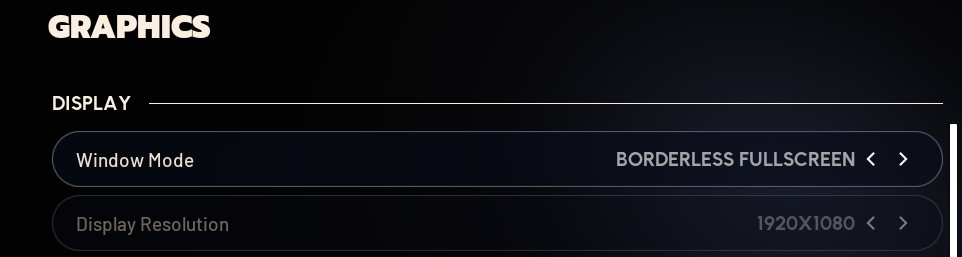
- Set your game to BORDERLESS mode - Set resolution to 1920x1080 - Set game language to English.
1
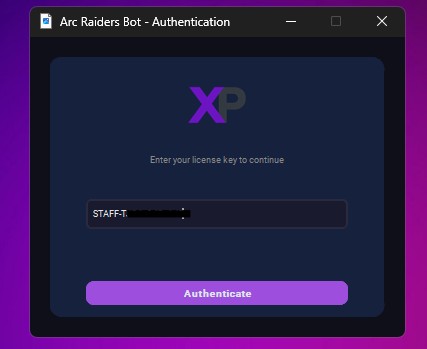
Launch the bot executable
2
Paste the key that you received from the shop, then press ENTER.
3
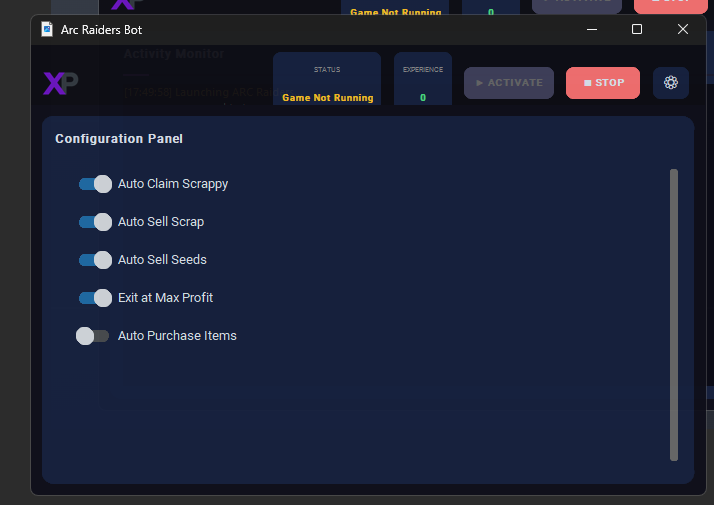
Enable these settings.
Max Profit will kick you out of the match after 1 minute — great for farming scraps but bad for XP.
Choose the option that fits your goal: scraps or XP.
4
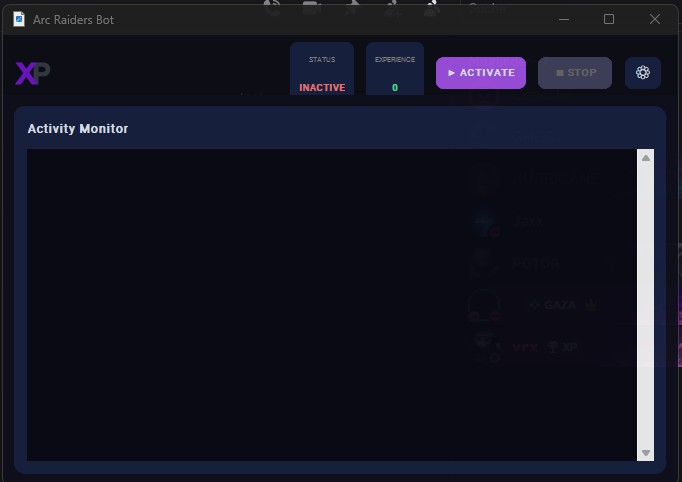
Press Activate and the loader will launch the game automatically.
5
- Use this When you are AFK (Sleeping/Working) if you tab out the automation stops
- On new accounts, the starter tutorial gets in the way. So You need to click that away before starting
- Accounts unlock (New Maps/ Features) if that appears the bot is not clicking that away. it happens 3-4 times entire game process/lore , Make sure to manually click it
- Autosell items must be visible on first site. Clear stash if needed. Steam only: start Steam → run loader → enter key → configure → start
Frequently Asked Questions
What are the requirements to use the cheat?
In order to use Fecurity cheats, Secureboot, TPM, and Fast boot must be disabled, and virtualization must be enabled from the BIOS.
What game resolution should I use?
the cheat doesn't work in full screen mode, only works in windowed or borderless mode only.