Please make sure that your Antivirus (external or Windows Defender), as well as your Firewall, are all disabled before using the cheat.
Follow this video-guide to know HOW TO
If you have a game or game launcher open, you must close them before launching the product
1
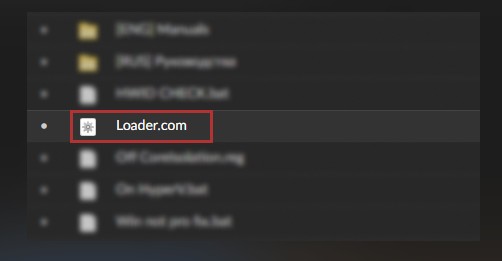
Run the loader as an administrator.
2
After starting the loader, enter your key in the console and press "enter"
3
After you have pressed enter, you should see the green inscription "now start the game", after closing the console, log in to the game. After starting the game, you should have a product menu within a minute!
4
The injection will begin, and once you get the "waiting for game..." message. Open Rust.
Note: The game must be running in windowed fullscreen mode!
5
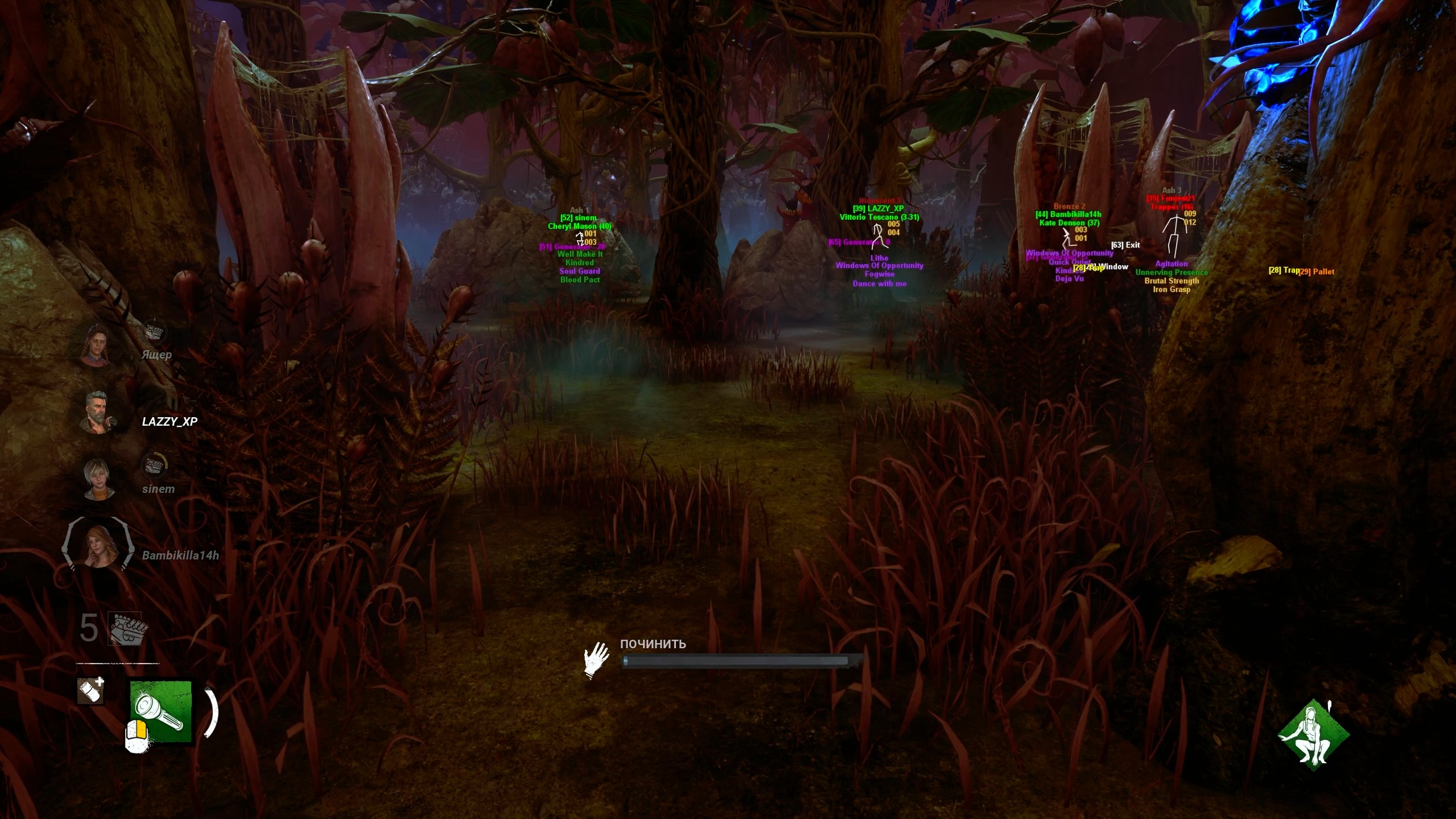
Insert (INS) - The bind is responsible for opening and closing the menu, it can be changed to any convenient one.
End - The bind is responsible for unloading the product, for example, for passing an inspection. The menu can only be returned by restarting!
Frequently Asked Questions
Why I can't the game in Fullscreen mode?
Gamepron works as an external cheat, meaning that you must run the game in Borderless mode.
What game resolution should I use?
For this Testing we will be running the game in Borderless mode and 1920×1080 resolution.
The cheat is not loading. How do I fix it?
When you open the loader, a small message will be shown, if you close this window, nothing else will work. This window must remain open for few seconds. Also, if you disable the crosshair/esp options given next, the cheat will be disabled ingame.
I am getting "failed to loader the driver" error. How do I fix it?
Please read and follow this article before using any cheat!