Watch this quick video guide to configure your PC settings and avoid common injection errors. Once completed, scroll down to follow the step-by-step installation instructions
Video Guide:
STEP 1
Download and Run the Loader
Download & Extract: Download futx.zip from the MEGA link to your Desktop/Download folder, right-click it, and extract the files.
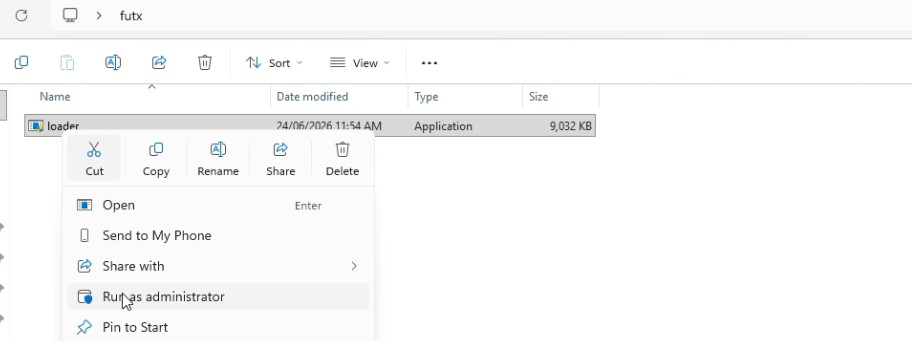
Run as Admin:Open the futx folder, right-click loader.exe, and select Run as administrator.
STEP 2
Authenticate, Login, and Setup
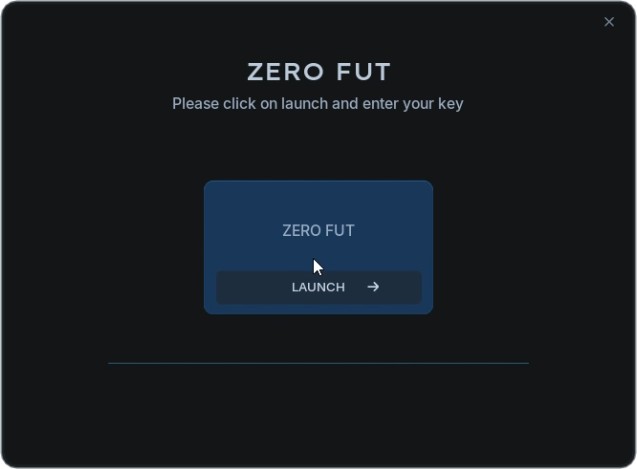
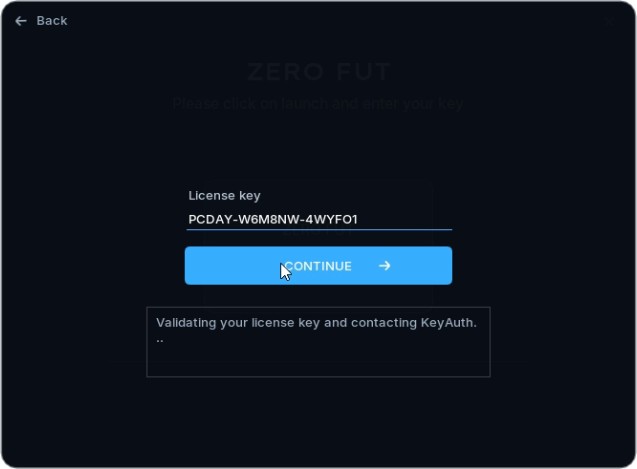
Activate Key: Click LAUNCH, paste your license key into the field, and hit CONTINUE.
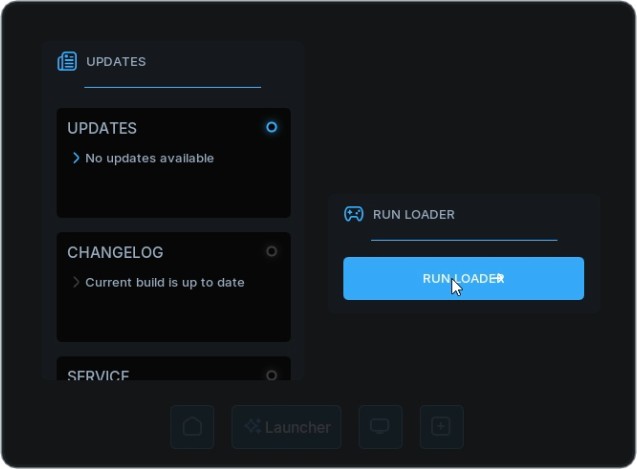
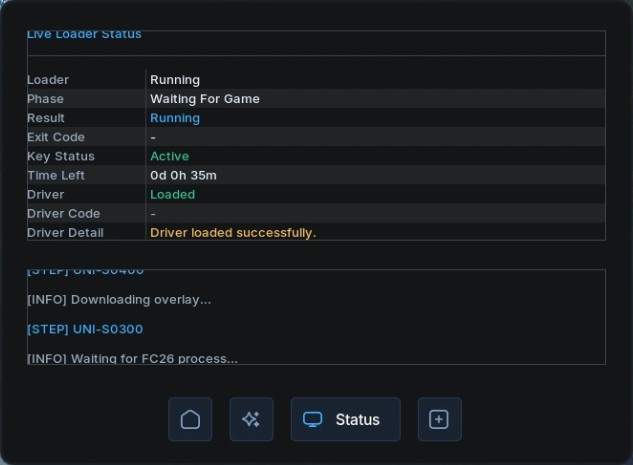
Start Loader: Click the blue RUN LOADER button. The interface will switch to the Live Loader Status screen and automatically download the necessary drivers and configurations.
Loader Status: Wait until the log at the bottom displays: [INFO] Waiting for FC26 process...
STEP 3
Open the Game and Injection
Launch the Game: Start the game through your launcher (e.g., Steam, EA App) while keeping the loader running in the background.
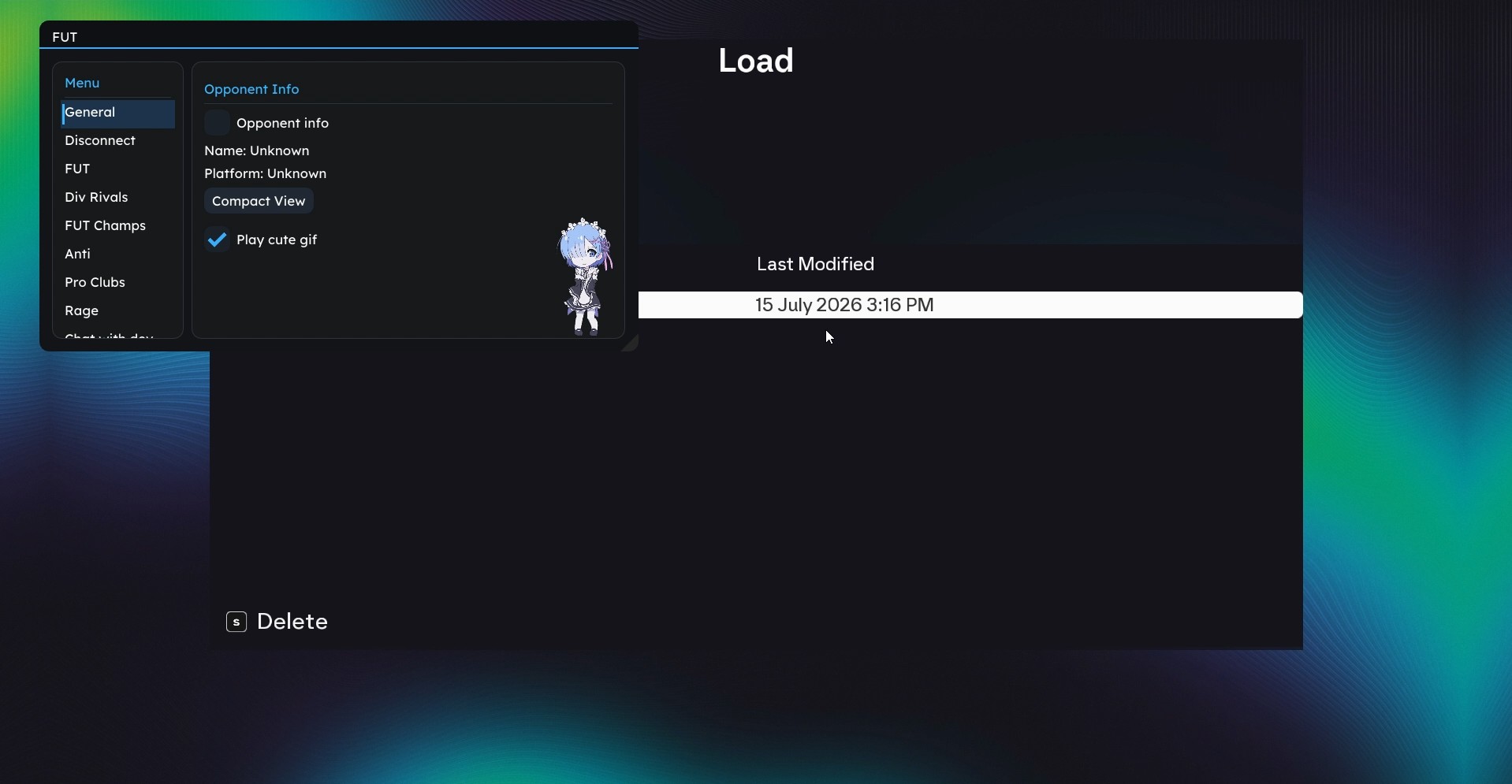
Menu Overlay: The cheat will automatically inject. Once the game opens, use the on-screen overlay menu to toggle your preferred features.
Show/Hide Menu: Press the Insert key on your keyboard to toggle the menu visibility.
TIPS
Finish Match – Tips
- Best used when you're already winning (for example, 1–0). - Activating it will instantly end the match and award you the win. - Works in all game modes. - Much safer than disconnecting. - If you're ahead and don't want to play until the 20th minute, you can use Finish Match to secure the win early. - Can also work when the score is tied. - Usage may be limited to around 5 times per day.
Instant Win
- Another safe alternative to disconnecting. - Simply activate it and the match will instantly end with a 3–3 result. - You will still be awarded the win regardless of the current score.
Frequently Asked Questions
Gamepron works as an external cheat, meaning that you must run the game in Borderless mode.
For this Testing we will be running the game in Borderless mode and 1920×1080 resolution.
I am getting "failed to loader the driver" error. How do I fix it?
Having an error or experiencing trouble using the cheat? How do I fix it?
Most issues can be fixed by following the video and initial setup steps above. If you're still having trouble, feel free to contact us using the live chat button at the bottom right of your screen.
Please read and follow this article before using any cheat!