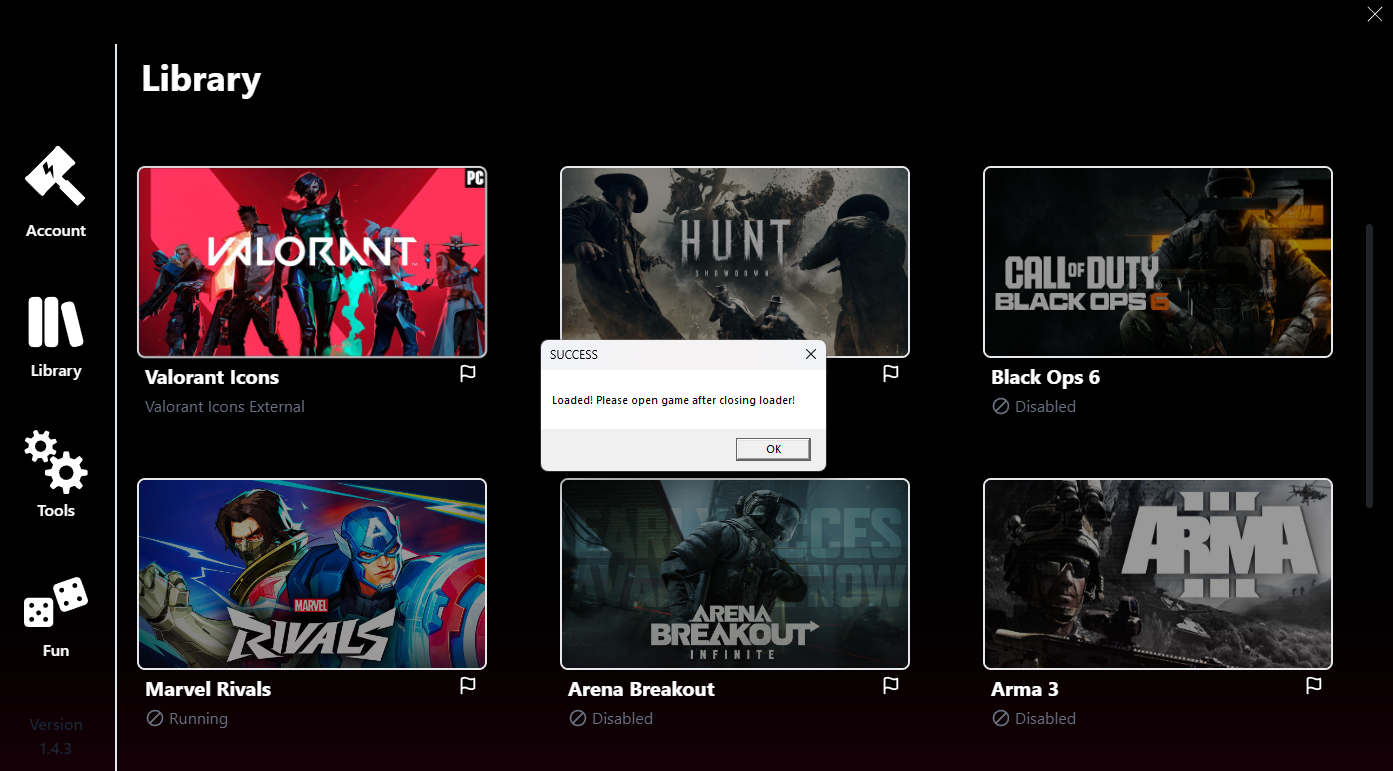
1- Run the Loader as Administrator. 2- Enter your license key and press Launch.
2
Start Fortnite and Wait for Prompt
1- When prompted, open Fortnite and wait until you're in the lobby. 2- Click OK on the popup once you're in.
3
Select Specific Window in Bandicam
1- A second message box will appear asking you to select a window. 2- In Bandicam, go to the top-left dropdown and choose "Select Specific Window", then select Fortnite. 3- After selecting the window, click OK on the popup to finalize injection.
4
Open the menu
1- Press INSERT to open the cheat menu. 2- If your keyboard doesn't have an INSERT key, use the On-Screen Keyboard.
5
IF YOUR FEATURES DO NOT WORK
Check if there was a game update, if there was we need to update the cheat to the latest patch.
If there wasn't a game update, make sure Core Isolation is disabled. You can check it if you press Windows key and type Core isolation
If disabling core isolation didn't work either, Reinstall Windows via USB.
Frequently Asked Questions
What are the requirements to use the cheat?
It is important having the secure boot disabled in BIOS before using this cheat as not having it disabled will end up giving Error upon launch.
What game resolution should I use?
For this testing we are using a resolution game of 1920×1080 and Borderless mode.