Please make sure that your Antivirus (external or Windows Defender), as well as your Firewall, are all disabled before using the cheat.
Follow this video-guide to know HOW TO
!
- The project is external. - The game must be then in window borderless mode and no extra monitors used (It will display to monitor 1). - The abuse of aimbots could lead to reports and bans. Beware.
- Note: This project uses Nvidia overlay or AMD overlay. You must have them enabled, example by installing Gforce overlay or AMD studio depending on your device graphic card. The project will notify you if an overlay is not enabled
DO NOT USE THE INTEGRATED SPOOFER. USE AT OWN RISK!
1
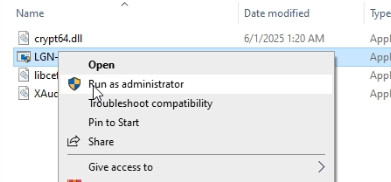
Run Ares loader as an administrator
- After the loader update, run the new updated loader again
2
A new window should open. Here paste your serial key, finally press ENTER. (Use Right Mouse button to copy and paste serial key. Ctrl+V does not work for this loader)
3
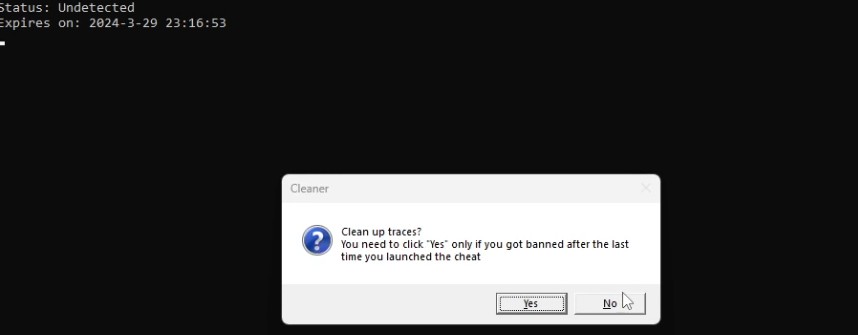
A confirmation window should be visible after this step. Cleaner and spoofer.
You are free to use these spoofer and cleaner if you desire, however we DO NOT support these free options and they could not be updated. USE AT OWN RISK !
4
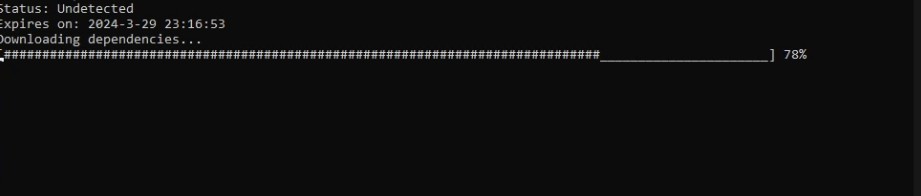
Another window is shown, "Downloading files". Do not close this window. Once it self closes, proceed to the next step.
5
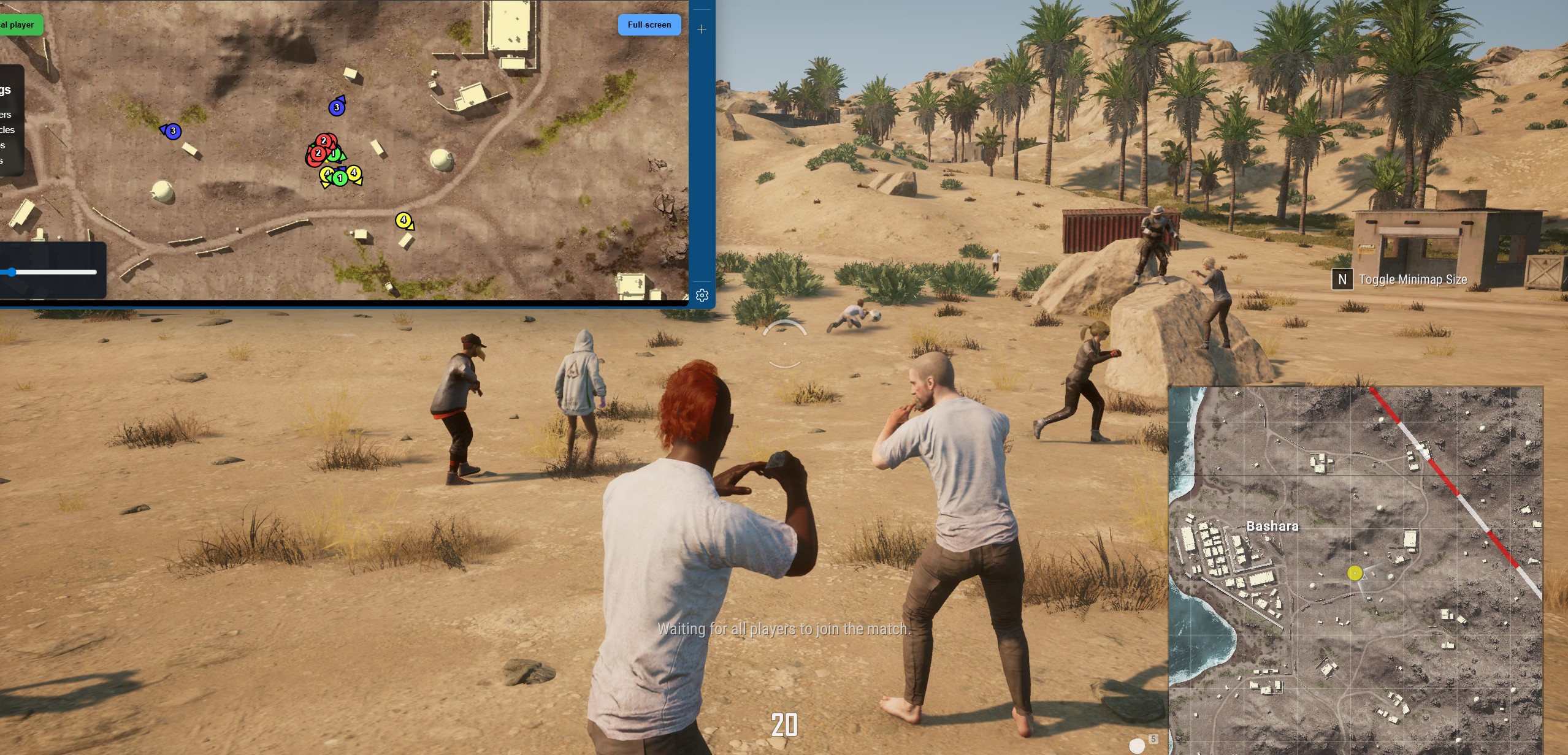
Open PUBG in WINDOW BORDERLESS MODE and once you reach the ingame (Where the character is visible) the menu should be visible.
6
The page will open automatically in your browser. If you accidentally close it, press Insert to open it again.
NOTE
- If you want to share the link, make sure you have copied the link that opened correctly, including the token (it is specified in the link itself, for example, link.com/session_id=jfsdohfhh).
- You can open the link on your phone or 2nd Screen
Frequently Asked Questions
Why I can't play the game in Fullscreen mode?
Gamepron works as an external cheat, meaning that you must run the game in Borderless mode.
What game resolution should I use?
For this Testing we will be running the game in Borderless mode and 1920×1080 resolution.
The cheat is not loading. How do I fix it?
When you open the loader, a small message will be shown, if you close this window, nothing else will work. This window must remain open for few seconds. Also, if you disable the crosshair/esp options given next, the cheat will be disabled ingame.
I am getting "failed to loader the driver" error. How do I fix it?
Please read and follow this article before using any cheat!