Please make sure that your Antivirus (external or Windows Defender), as well as your Firewall, are all disabled before using the cheat.
Follow this video-guide to know HOW TO
If you have a game or game launcher open, you must close them before launching the product
1
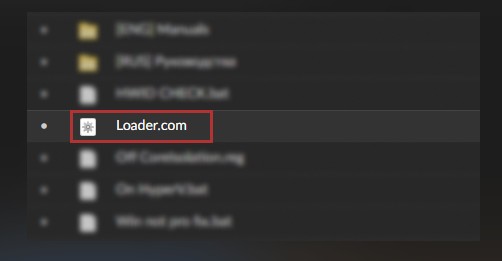
Run the loader as an administrator.
2
After starting the loader, enter your key in the console and press "enter"
3
Once you have logged into the bootloader, click the run button
After startup and countdown, the system will automatically reboot, you should see the product logo instead of the standard logo of your motherboard
4
Once you're loaded on your desktop, go into the game.
5
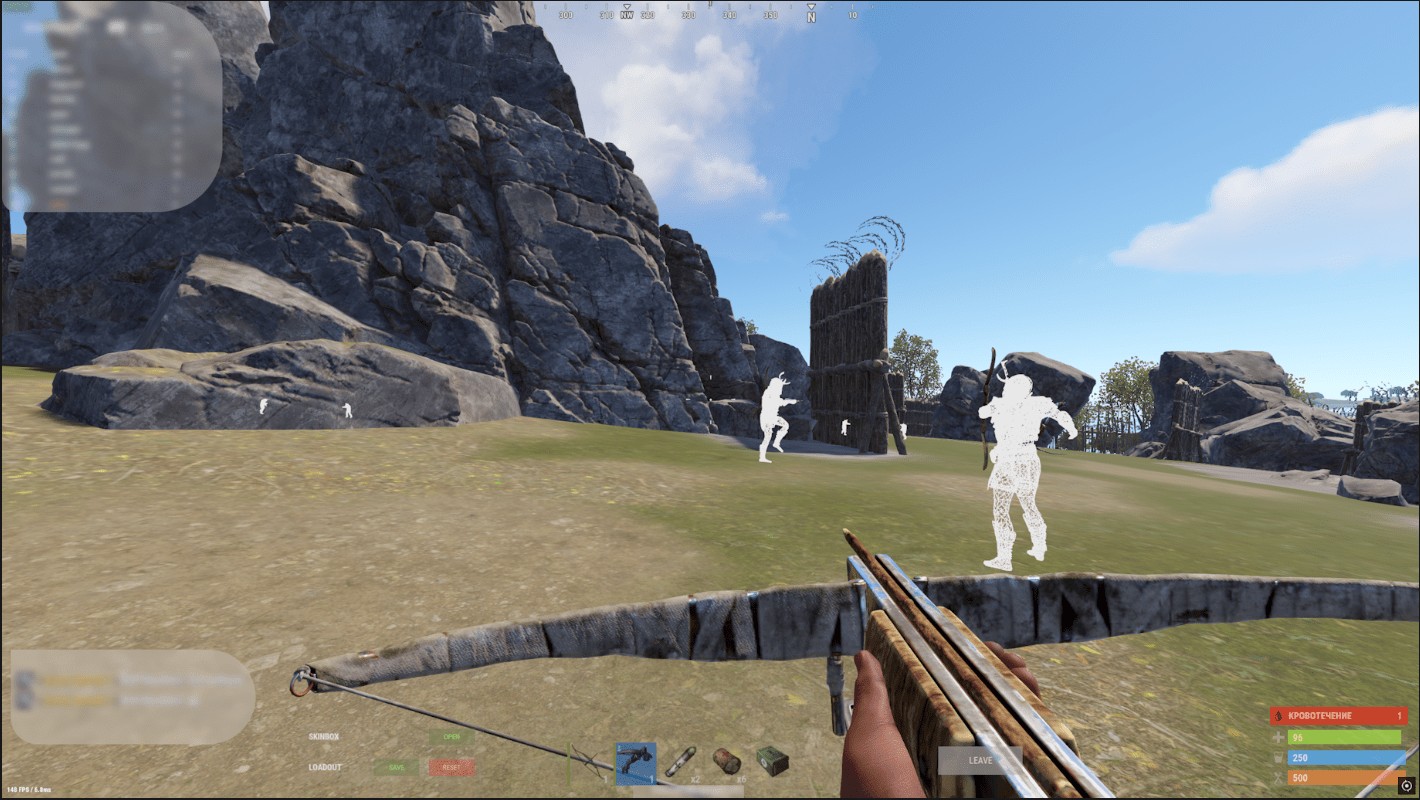
F5 - Switch and disable chams F6 - Anti recoil F9 - Remove walls
Frequently Asked Questions
Why I can't the game in Fullscreen mode?
Gamepron works as an external cheat, meaning that you must run the game in Borderless mode.
What game resolution should I use?
For this Testing we will be running the game in Borderless mode and 1920×1080 resolution.
The cheat is not loading. How do I fix it?
When you open the loader, a small message will be shown, if you close this window, nothing else will work. This window must remain open for few seconds. Also, if you disable the crosshair/esp options given next, the cheat will be disabled ingame.
I am getting "failed to loader the driver" error. How do I fix it?
Please read and follow this article before using any cheat!