Please make sure that your Antivirus (external or Windows Defender), as well as your Firewall, are all disabled before using the cheat.
Follow this video-guide to know HOW TO
!
- REMOVE THE DISCORD OVERLAY!! OTHERWISE THE GAME WILL ALWAYS CRASH!!!- - OPEN GAME IN BORDERLESS MODE!
- Unlock All is Risky!! Use it at own Risk!!
1
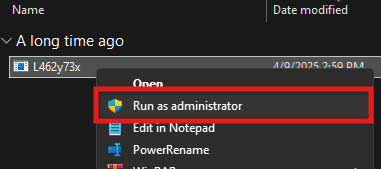
Extract and open the Umbra loader as an Administrator
2
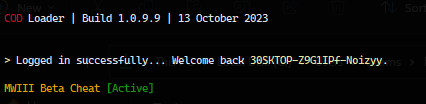
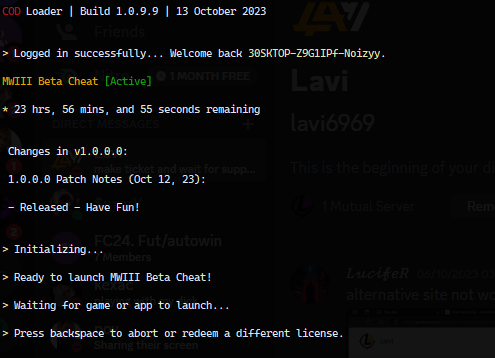
The window opens. Simply copy/paste the serial key obtained from the shop and press enter
3
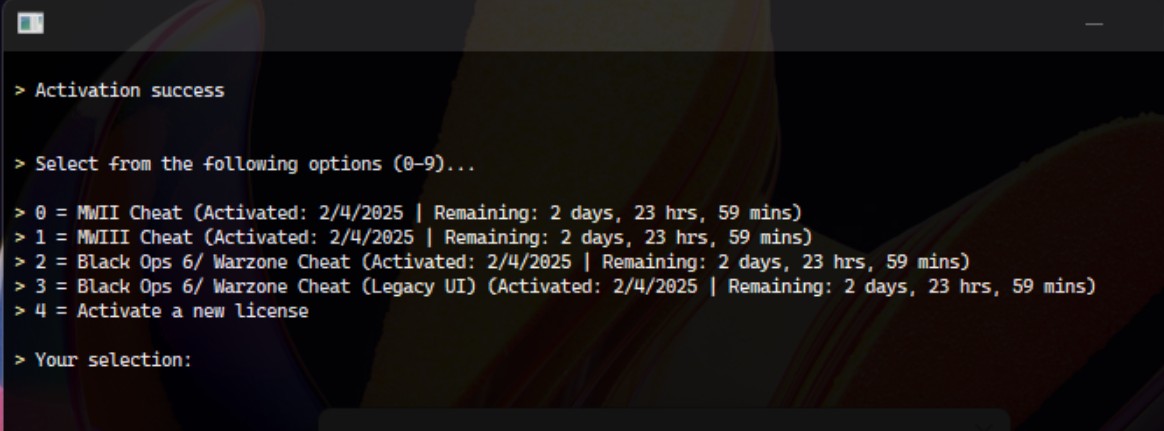
Select product in the list by typing the number of the game you want to play.
4
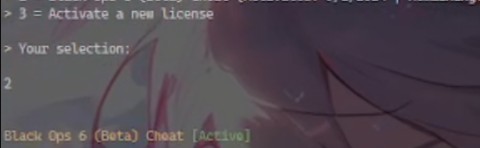
Once you see Game Cheat [Active], open COD from steam/ B.Net /xbox
5
Once you open the game, Injection will happen at this time, loader will close automatically. Do not close the window on your own, this could take some time to inject. and be sure you're at the game lobby to prevent the game crashing
6
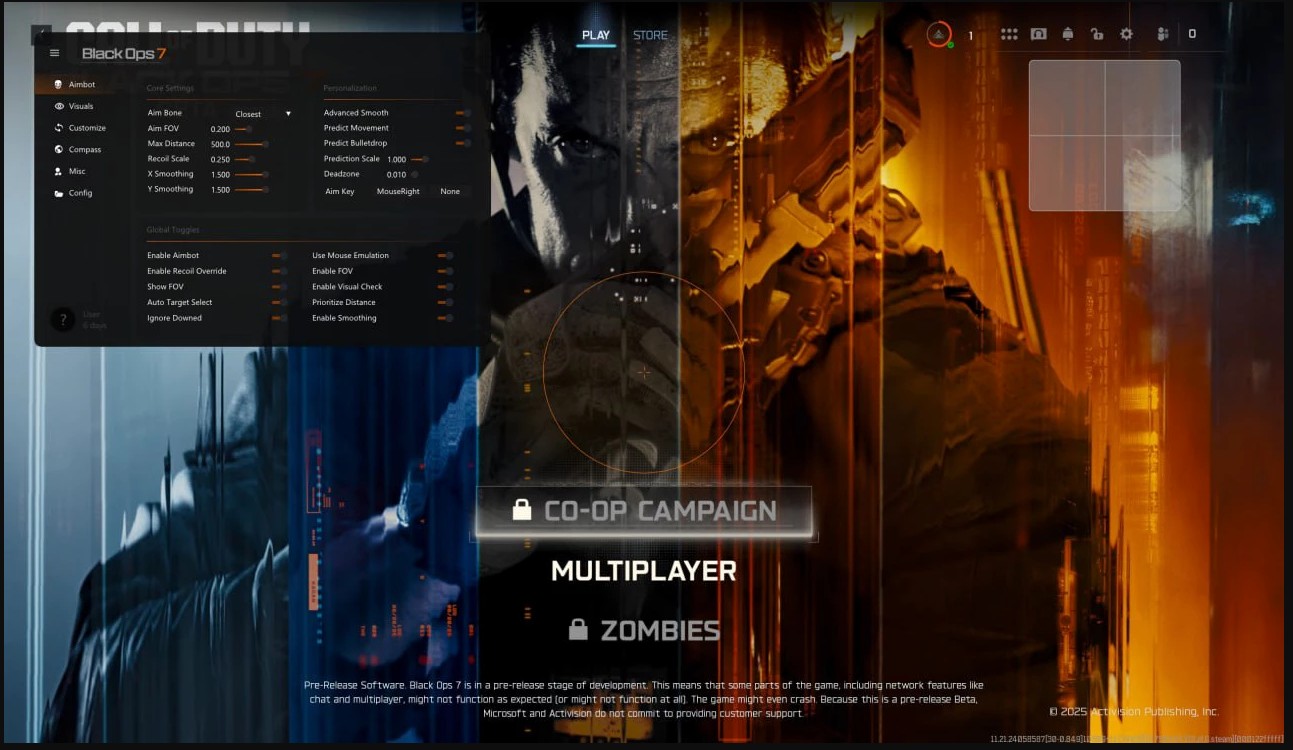
Loader will close, go back to the game. Use INSERT to open / close the menu and clicking the options to edit/ select them
Frequently Asked Questions
Why I can't the game in Fullscreen mode?
Gamepron works as an external cheat, meaning that you must run the game in Borderless mode.
What game resolution should I use?
For this Testing we will be running the game in Borderless mode and 1920×1080 resolution.
The cheat is not loading. How do I fix it?
When you open the loader, a small message will be shown, if you close this window, nothing else will work. This window must remain open for few seconds. Also, if you disable the crosshair/esp options given next, the cheat will be disabled ingame.
I am getting "failed to loader the driver" error. How do I fix it?
Please read and follow this article before using any cheat!