Welcome to PrivateCheatz. Just follow the 3 quick steps below to secure your account and access your software.
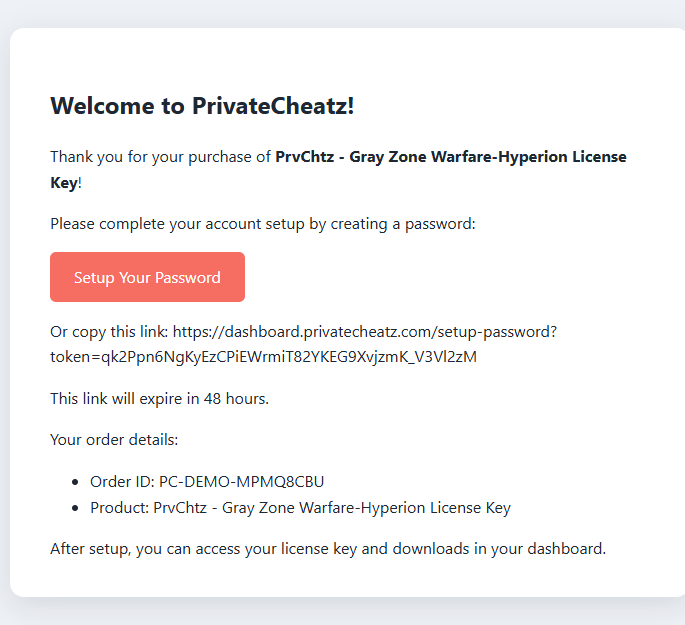
Check your email inbox for a message titled “Complete Your Account Setup”. Click the Set Your Password button inside it — or log in any time at dashboard.privatecheatz.com.
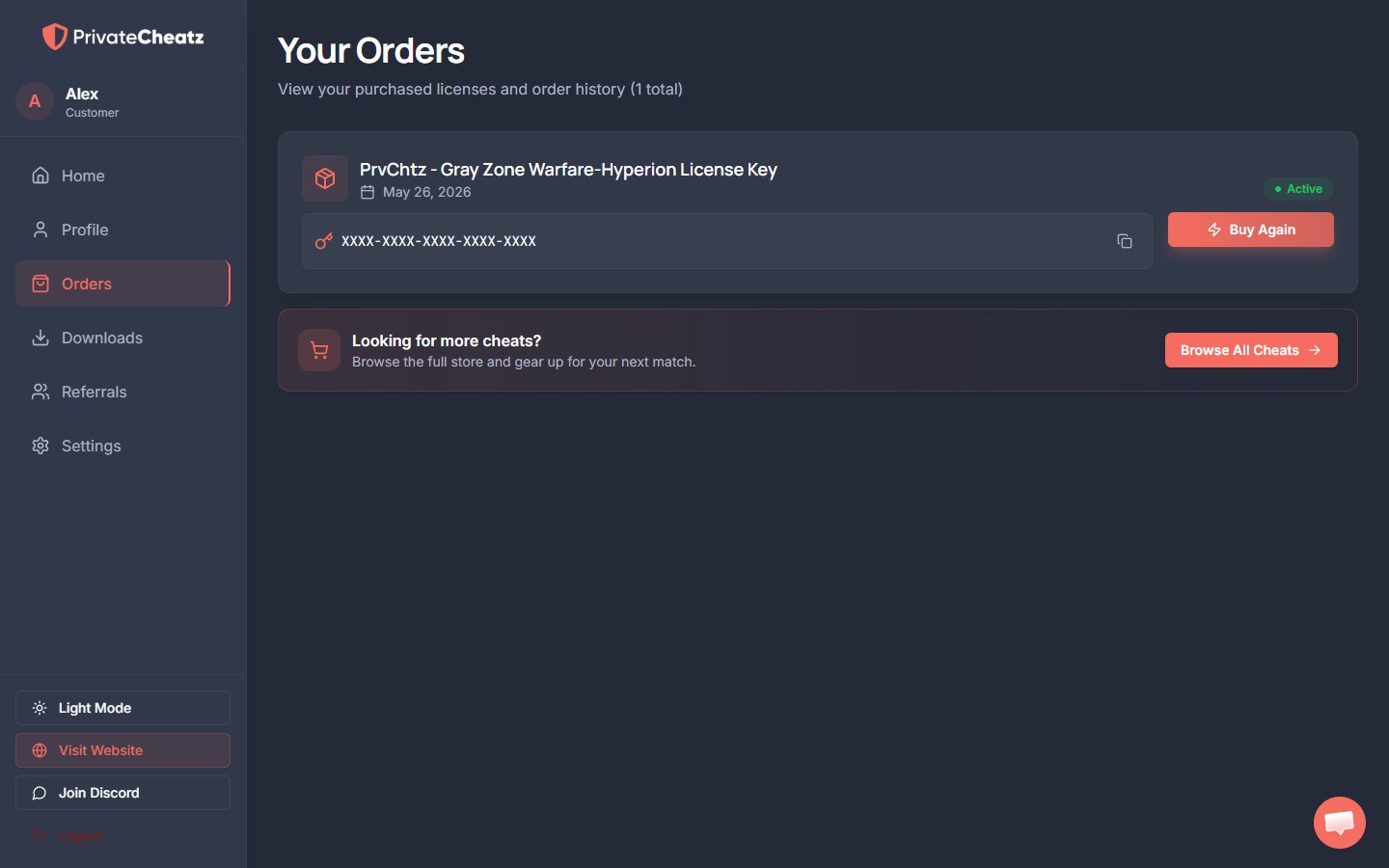
Once logged in, open the Orders tab. Your active license key is shown right on your order — click the copy icon to grab it.
If an order says “Waiting on manual delivery”, just give it a few minutes — our team is notified automatically, and you’ll get a “Your License Key is Ready!” email the moment it’s added.
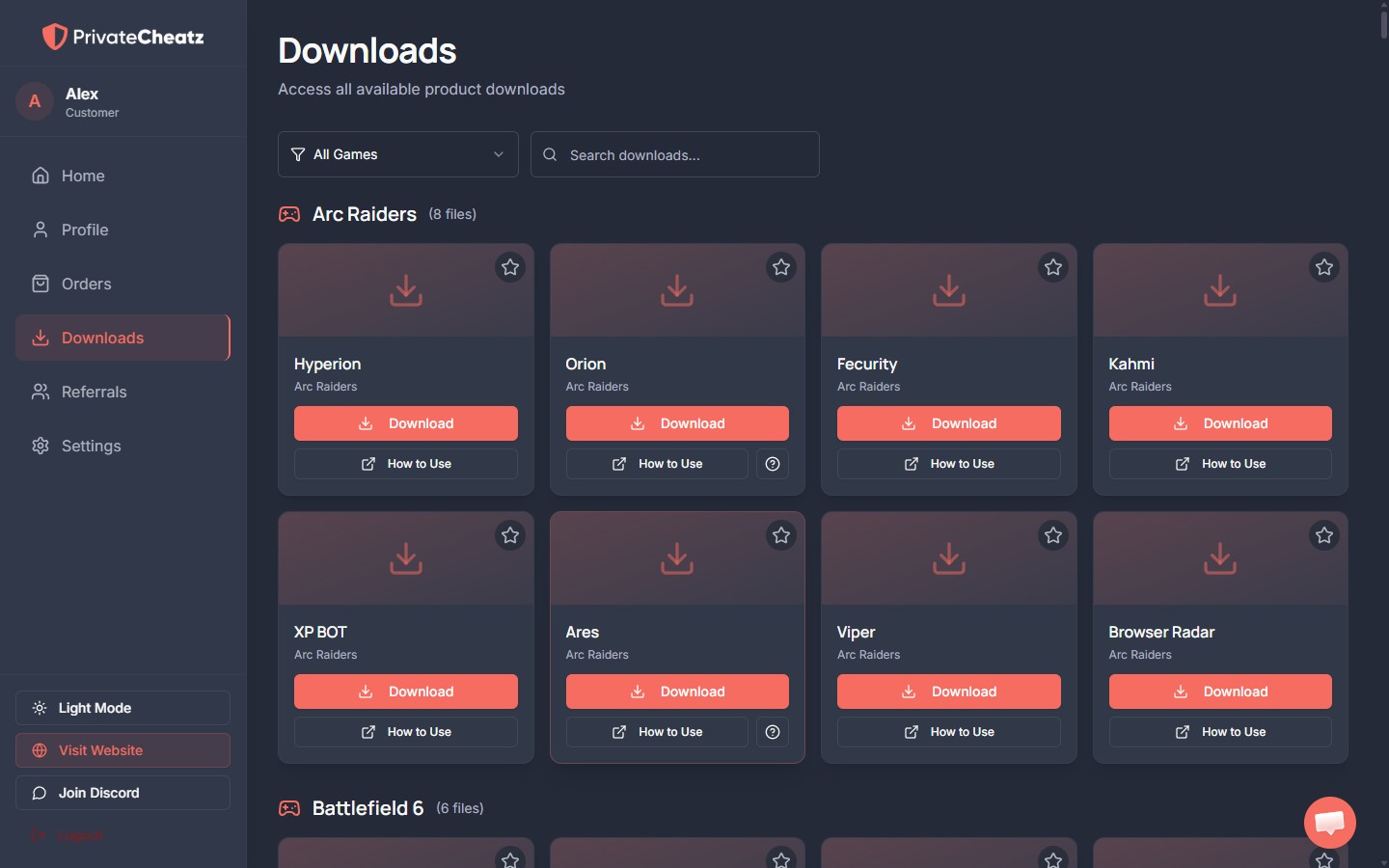
Open the Downloads tab to grab your loader, along with the How to Use setup guide for your product. Run the loader, enter your license key, and you’re ready to dominate.
Join our Discord for updates & community support, or use Live Chat (bottom-right of the site) and the Need Support button inside your panel.
Go to My Dashboard →